what you will learn

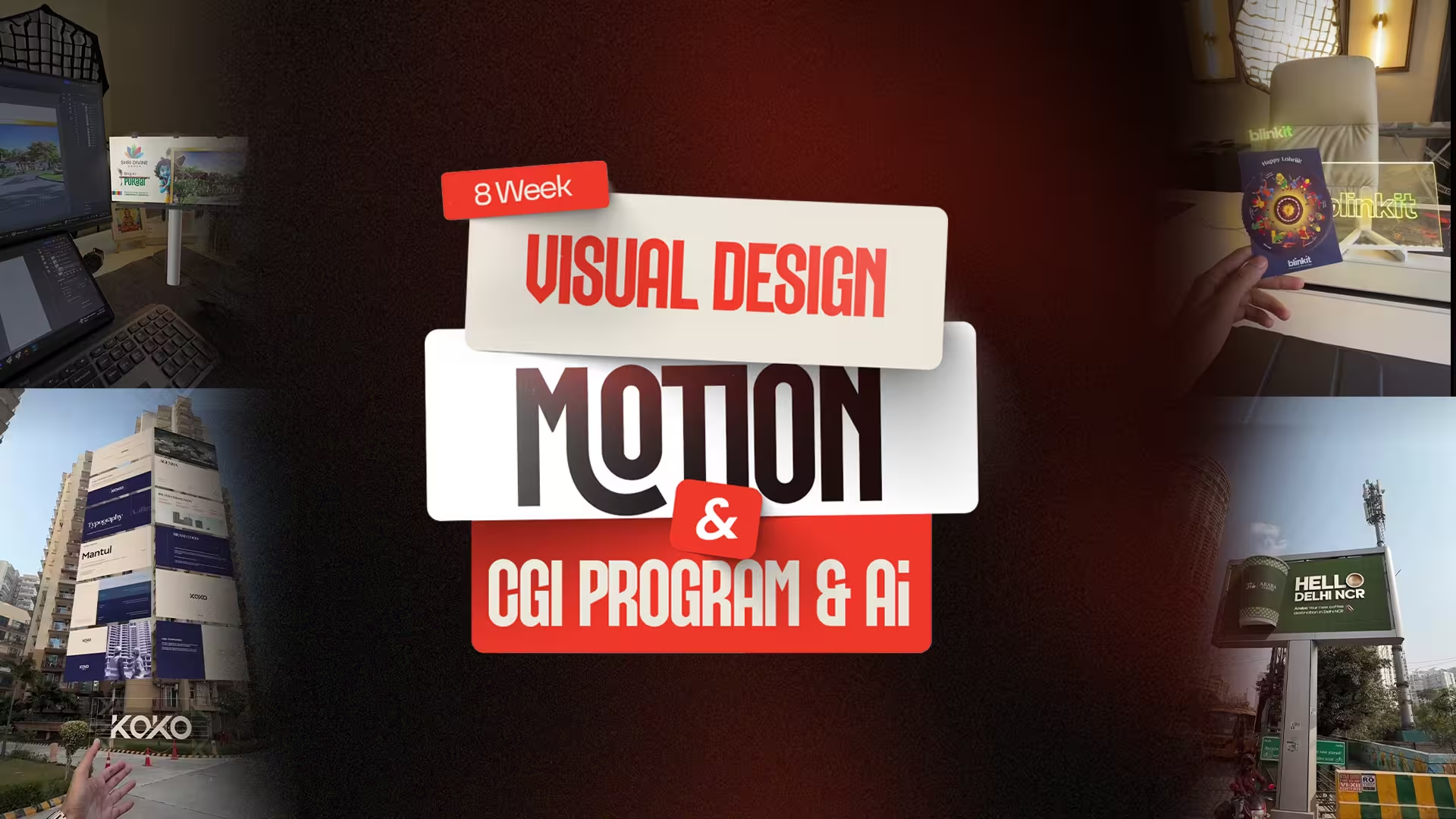
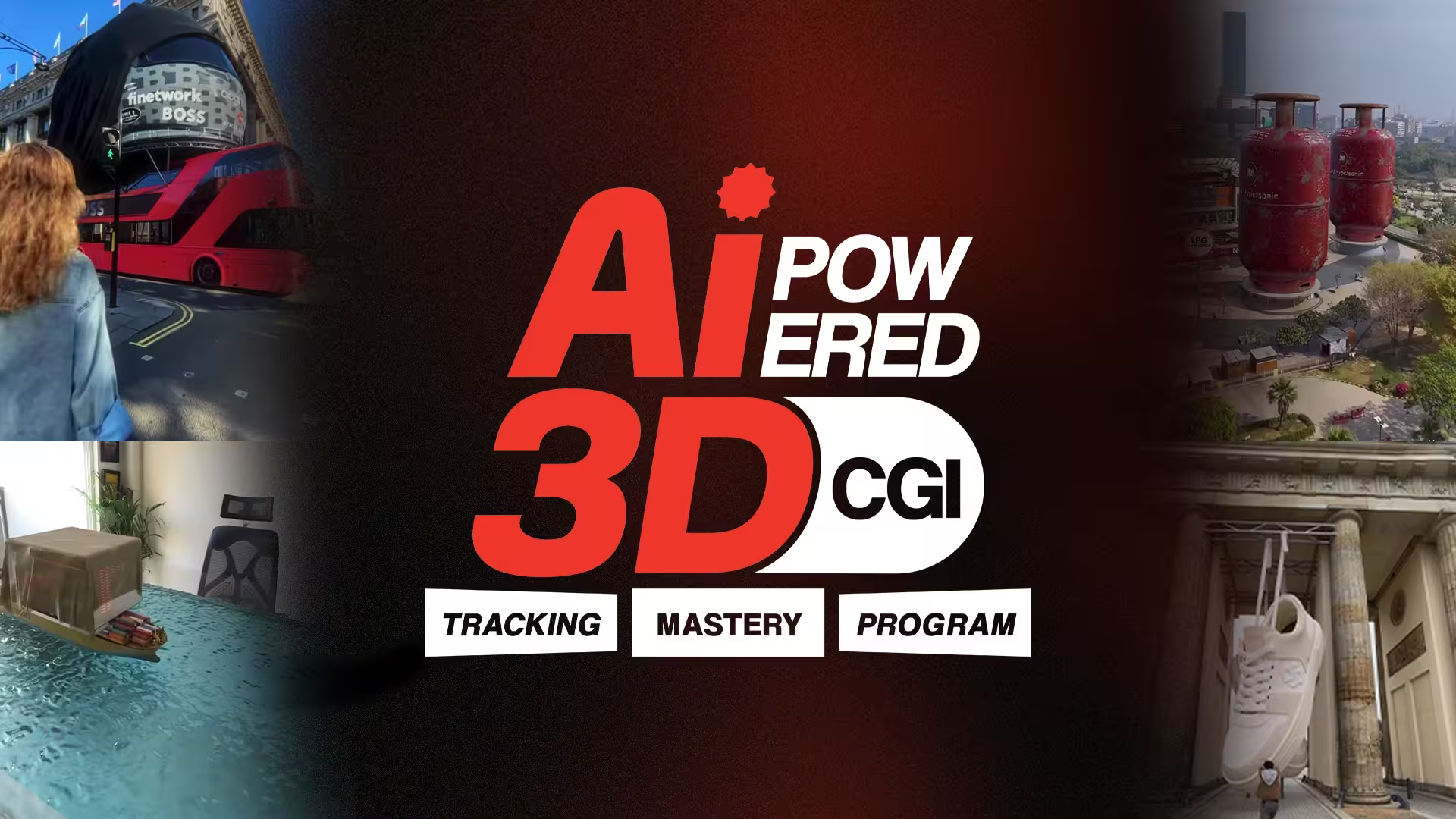
Master design, motion, CGI and AI skills through practical and industry-focused training.

Graphic Design Fundamentals

Build a strong understanding of design principles and static visuals the core of all creative work.

Branding & Identity Design

Build strong brands with clear visual identity.

Video Editing
& Motion Graphics

Smooth edits with dynamic motion.

CGI Basics,
Lighting & Realism

Create Realistic CGI with proper lighting.

Product
Reveal Animations

Cinematic product reveal animations.

AI-Enhanced
Creative Workflows

Faster creation using smart AI tools.

Cinematography
& Lighting Mastery

Master camera angles, lighting techniques,
and cinematic storytelling.

Portfolio & Showreel Creation

An industry-ready portfolio and showreel that attract jobs and freelance clients.

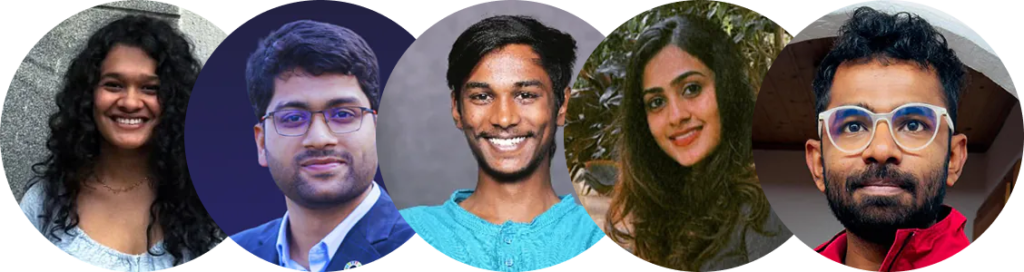
Learner Feedback

Real feedback from Learners who experienced real creative growth.

Our Curriculum

A structured, step-by-step curriculum designed to build real-world creative skills.

DAY 1-2

SOFTWARE ORIENTATION
& DESIGN TOOLS

DAY 3

COLOR THEORY &
TYPOGRAPHY

DAY 4

VISUAL
HIERARCHY

DAY 5

COMPOSITION
LAR

DAY 1-2

LOGO DESIGN
PROCESS

DAY 3

BRAND GUIDELINES
(BRAND BIBLE)

DAY 4

MOCKUP
MAGIC

DAY 5

PROJECT
REVIEW

DAY 1-2

ADOBE PREMIERE
PRO BASICS

DAY 3

AFTER EFFECTS
INTRODUCTION

DAY 4

MOTION
TRACKING & TEXt

SKILLS Covered

Audio
Syncing and
Beat Matching

Smooth
Transition
Effects

Visual
Pacing and
Rhythm

Exporting for
Different Platforms

Instagram Reels (9:16)

YouTube / Website (16:9)

DAY 1-2

3D
MODELING

DAY 3

TEXTURING
& SHADERS

DAY 4

LIGHTING
TECHNIQUES

DAY 5

REND
ERING

Project

Product Reveal
Animation

Modeling a product
(e.g., soda can, bottle, shoe)

Simple animation
and camera fly-through

Applying lighting
and textures

Project

Technical
Concepts

Basic physics (gravity and
collisions)

Introduction to
Particle systems

THE AI-ENHANCED WORKFLOW

Photoshop Generative
Fill for environment expansion

AI-based video upscaling
and frame interpolation

Style transfer using tools
like Runway or Midjourney

AI voiceovers and asset
creation for faster workflows

AI-assisted texture
generation

DAY 1

CAMERA
FUNDAMENTALS

DAY 2

STUDIO LIGHTING
(OFFLINEADVANTAGE)

DAY 3

SHOT PLANNING &
STORYBOARDING

DAY 4-5

FINAL PORTFOLIO &
SHOWREEL REVIEW

Logo Designer Graphic Designers Senior Designer Brand Designers Art Director Freelancers Students Students Beginners

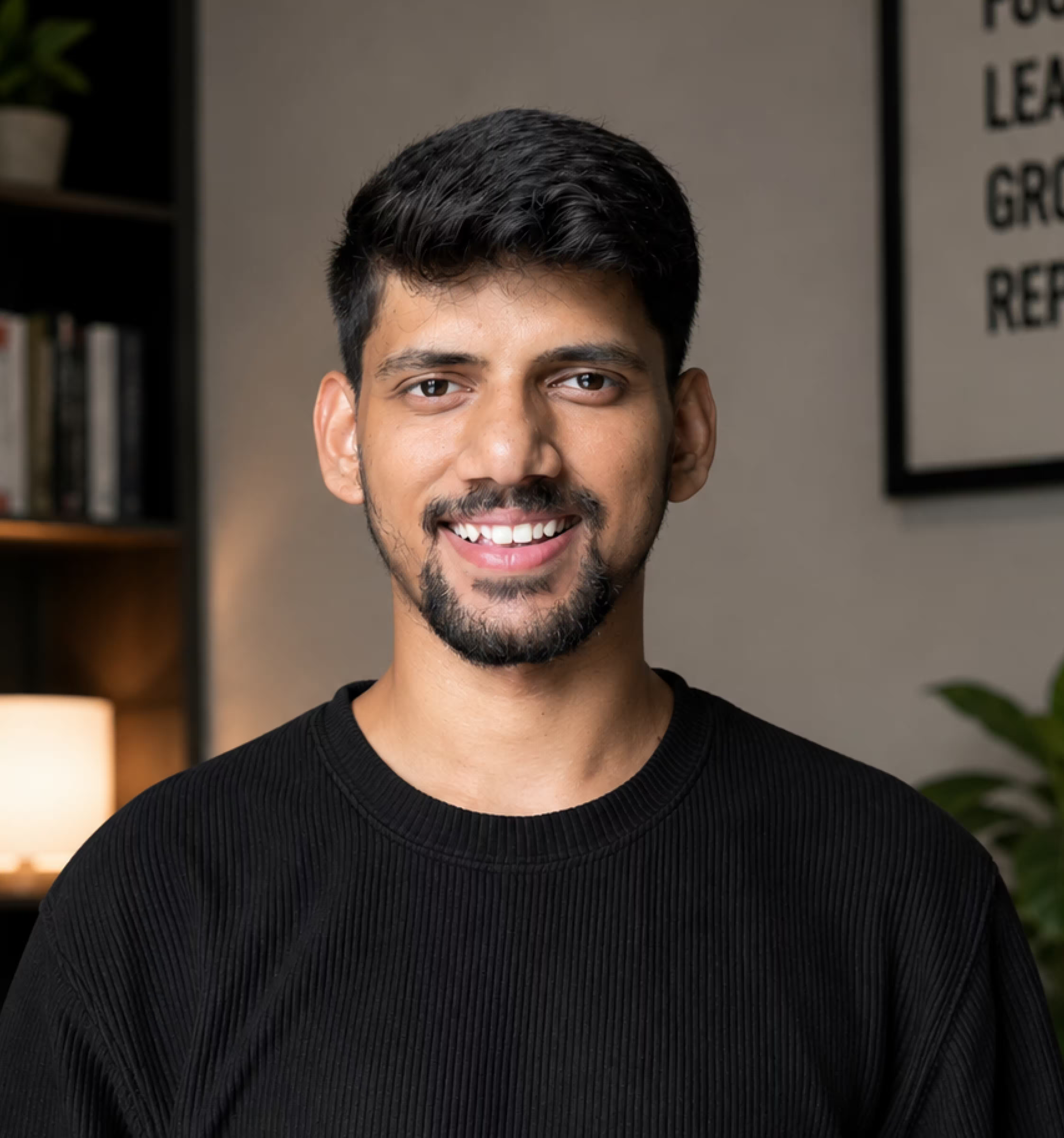
YOUR Mentor

Raviranjan

Creative Head

Creative Head - CEO Creative banjara

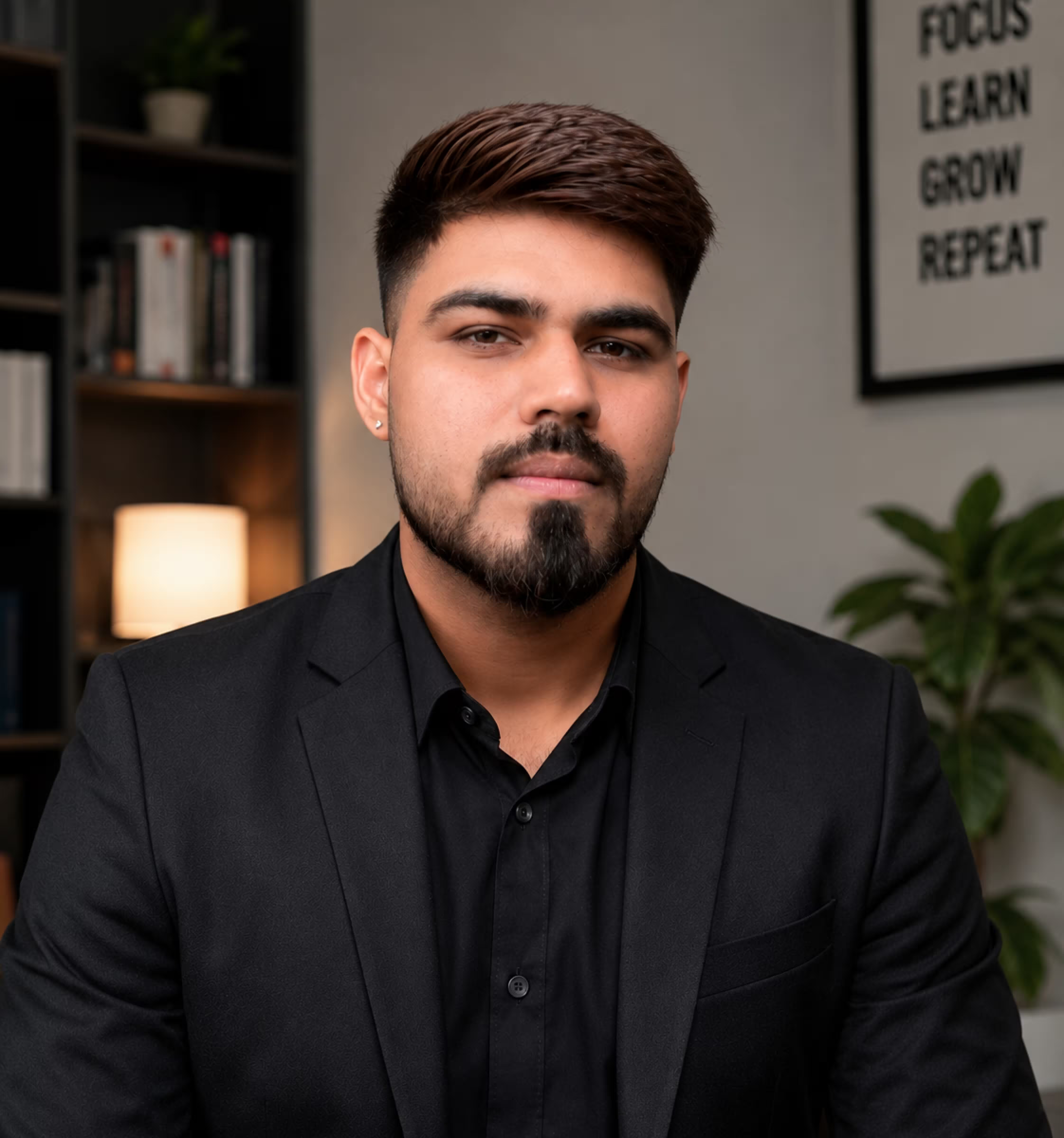
YOUR Mentor

Ravi

Creative Head

Creative Head - CEO Creative banjara

Logo Designer Graphic Designers Senior Designer Brand Designers Art Director Freelancers Students Students Beginners

Frequency Asked Questions?

This course is designed for beginners, intermediates, and anyone looking to upskill in visual design, motion graphics, CGI, and AI-assisted workflows. No prior experience is required, though basic computer skills help.
No, all software basics are covered from Day 1. However, having access to Adobe Photoshop, Illustrator, Premiere Pro, After Effects, and a 3D software like Blender will help you practice alongside the course.
Yes! Each module includes mini-projects and exercises. By the end, you’ll complete a full portfolio project and a cinematic showreel.
Absolutely. The curriculum focuses on real-world skills, industry tools, and portfolio creation that can help you get freelance clients or secure a full-time creative role.
Yes, you will receive a certificate of completion, which can be shared with employers or clients.

Your Creative Career Starts Here

Don’t just learn tools. Learn how to think, design, animate, and produce like a professional.
@First Batch of 30 Person Starting from 1st Feb.