Designers
Designers
what you will learn
Master design, motion, CGI and AI skills through practical and industry-focused training.
Graphic Design Fundamentals
Build a strong understanding of
design principles and static visuals the core of all creative work.
Branding & Identity Design
Build strong brands with clear visual identity.
Video Editing
& Motion Graphics
Smooth edits with dynamic motion.
CGI Basics,
Lighting & Realism
Create Realistic CGI with proper lighting.
Product
Reveal Animations
Cinematic product reveal animations.
AI-Enhanced
Creative Workflows
Faster creation using smart AI tools.
Cinematography
& Lighting Mastery
Master camera angles, lighting techniques,
and cinematic storytelling.
Portfolio & Showreel Creation
An industry-ready portfolio and showreel that attract jobs and freelance clients.
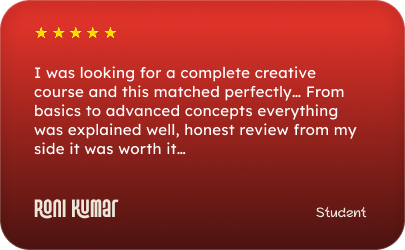
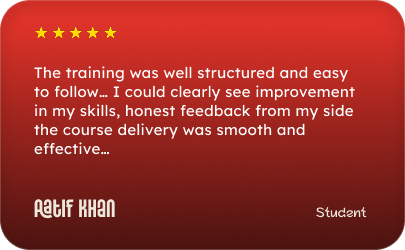
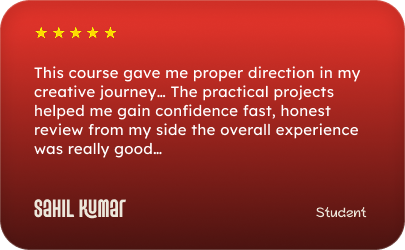
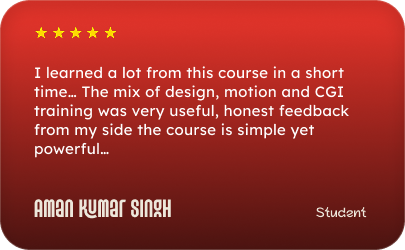
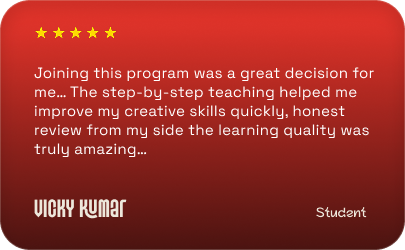
Learner Feedback
Real feedback from Learners who experienced real creative growth.
Our Curriculum
A structured, step-by-step curriculum designed to build real-world creative skills.
DAY 1-2
SOFTWARE ORIENTATION
& DESIGN TOOLS
- Introduction to Adobe Photoshop (Raster-based design)
- Introduction to Adobe Illustrator (Vector-based design)
- Understanding when to use Raster vs Vector
- Layer management, grouping, and non-destructive editing
- Workspace setup for professional workflows
- Pen Tool mastery for precise shapes and paths
- Workspace setup for professional workflows
DAY 3
COLOR THEORY &
TYPOGRAPHY
- RGB vs CMYK: digital vs print usage
- Psychology of color and emotional impact
- Color harmony and contrast
- Typography fundamentals
- Font pairing techniques
- Understanding and applying the "Rule of Three"in font selection
DAY 4
VISUAL
HIERARCHY
- Guiding the viewer's eye using
- Scale and proportion
- Contrast and emphasis
- Alignment and spacing
- Effective use of white space
- Creating clarity and readability in layouts
DAY 5
COMPOSITION
LAR
- Principles of balanced composition
- Rule of Thirds explained and applied
- Hands-on layout design exercises
- Peer review and instructor feedback
DAY 1-2
LOGO DESIGN
PROCESS
- Understanding brand values and the target audience
- Brainstorming and concept development
- Offline sketching techniques (pen & paper)
- Logo styles explained
- Wordmarks
- Lettermarks
- Symbols & Icon-based logos
- Vectorizing sketches using Illustrator
DAY 3
BRAND GUIDELINES
(BRAND BIBLE)
- Importance of consistency in branding
- Creating brand rules and systems
- Defining
- Primary & secondary colorpalettes
- Typography usage
- Logo spacing, sizing, and clearspace
- Do's and Don'ts of brand usage
- Understanding and applying the "Rule of Three" in font selection
DAY 4
MOCKUP
MAGIC
- Introduction to Photoshop Smart Objects
- Applying designs to realworld mockups
- Mockups for
- Business cards
- Stationery
- Mobile Screens
- Billboards and signage
DAY 5
PROJECT
REVIEW
- Presentation of a complete mini brand identity
- Work from Explaining to Explanation
- Constructive critique and improvements
DAY 1-2
ADOBE
PREMIERE
PRO BASICS
- Understanding the timeline
- Importing and organizing footage
- The art of "The Cut"
- J-cuts and L-cuts for smooth transitions
- Basic color correction and grading
DAY 3
AFTER EFFECTS
INTRODUCTION
- Interface and workflow overview
- Understanding compositions
- Keyframes and animation principles
- Basic motion graphics creation
DAY 4
MOTION
TRACKING & TEXt
- Tracking objects in video
- Attaching text and graphics to moving elements
- Real-world title animation practice
SKILLS Covered
Audio
Syncing and
Beat Matching
Smooth
Transition
Effects
Visual
Pacing and
Rhythm
Exporting for
Different Platforms
Instagram Reels (9:16)
YouTube / Website (16:9)
SESSION 1
ChatGPT
Gemini
- Script Writing
- Storyboarding
- Shot Planning
- Image Editing
- Concept Development
SESSION 2
Kling
Veo
- Character Consistency
- Motion Control
- Video Generation
- Cinematic Video Creation
- Prompt Engineering
SESSION 3
3D
MODELING
- Al to Blender Workflow
- Al Product Concepts
- Al Texture Creation
PROJECT
- Create an Al-assisted CGI Advertisement Concept
Project
Product Reveal
Animation
Modeling a product
(e.g., soda can, bottle, shoe)
Simple animation
and camera fly-through
Applying lighting
and textures
Project
Technical
Concepts
Basic physics (gravity and
collisions)
Introduction to
Particle systems
THE AI-ENHANCED WORKFLOW
Photoshop Generative
Fill for environment expansion
AI-based video upscaling
and frame interpolation
Style transfer using tools
like Runway or Midjourney
AI voiceovers and asset
creation for faster workflows
AI-assisted texture
generation
DAY 1
CAMERA
FUNDAMENTALS
- Understanding camera gear
- Focal length and perspective
- Aperture, ISO, and exposure triangle
DAY 2
STUDIO LIGHTING
(OFFLINEADVANTAGE)
- Working with physical LED lights
- Diffusers and modifiers
- Creating mood and depth using light
DAY 3
SHOT PLANNING &
STORYBOARDING
- Importance of preproduction
- Creating a professional shot list
- Wide shots
- Medium shots
- Close-ups
DAY 4-5
FINAL PORTFOLIO &
SHOWREEL REVIEW
- Compiling all 8 weeks of work
- Editing a professional showreel
- Portfolio presentation techniques
- Career guidance and next steps
Logo Designer
Graphic Designers
Senior Designer
Brand Designers
Art Director
Freelancers
Students
Beginners
Logo Designer
Graphic Designers
Senior Designer
Brand Designers
Art Director
Freelancers
Students
Beginners
YOUR Mentor
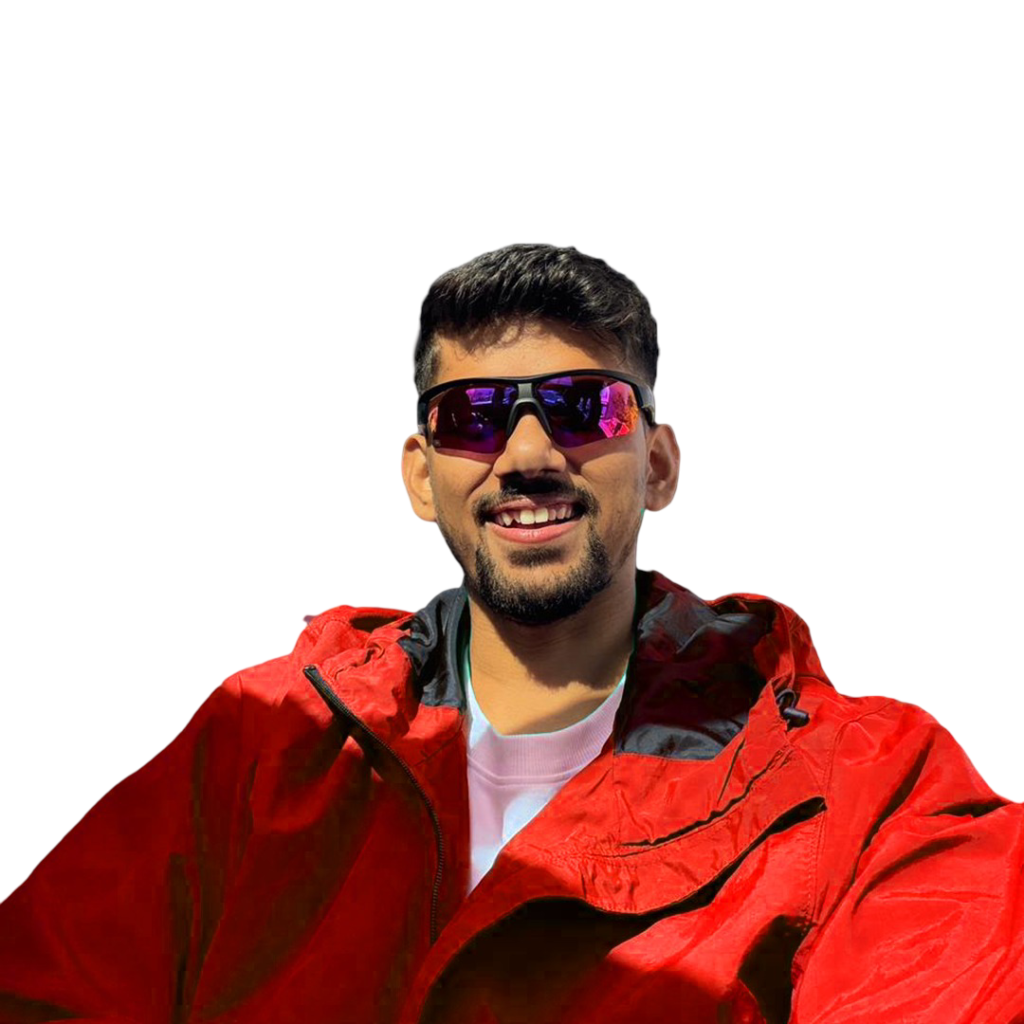
Raviranjan
Creative Head
Creative Head - CEO Creative banjara
YOUR Mentor
Ravi
Creative Head
Creative Head - CEO Creative banjara
Logo Designer
Graphic Designers
Senior Designer
Brand Designers
Art Director
Freelancers
Students
Beginners
Logo Designer
Graphic Designers
Senior Designer
Brand Designers
Art Director
Freelancers
Students
Beginners
Choose Mode
Online Classes Details
Duration: 8 Weeks
Classes: 5 Day a Week (2Hr/Day)
Class Timing: 08:00PM TO 10:00PM
Location: Google Meet
Course Fee: ₹25,000
To confirm your seat, an advance payment is required: ₹5,000 for Online classes.
Offline Classes Details
Duration: 8 Weeks
Classes: 5 Day a Week (4Hr/Day)
Class Timing: 10:00AM TO 02:00PM
Location: C20, Block C, Sector 61, Noida, Uttar Pradesh 201307
Course Fee: ₹50,000
To confirm your seat, an advance payment is required: ₹10,000 for Offline classes.
Frequency Asked Questions?
This course is designed for beginners, intermediates, and anyone looking to upskill in visual design, motion graphics, CGI, and AI-assisted workflows. No prior experience is required, though basic computer skills help.
No, all software basics are covered from Day 1. However, having access to Adobe Photoshop, Illustrator, Premiere Pro, After Effects, and a 3D software like Blender will help you practice alongside the course.
Yes! Each module includes mini-projects and exercises. By the end, you’ll complete a full portfolio project and a cinematic showreel.
Absolutely. The curriculum focuses on real-world skills, industry tools, and portfolio creation that can help you get freelance clients or secure a full-time creative role.
Yes, you will receive a certificate of completion, which can be shared with employers or clients.
Your Creative Career Starts Here
Don’t just learn tools. Learn how to think, design, animate, and produce like a professional.
@Secong Batch of Started Form 01 June
@Secong Batch of 30 Person Starting Soon.